
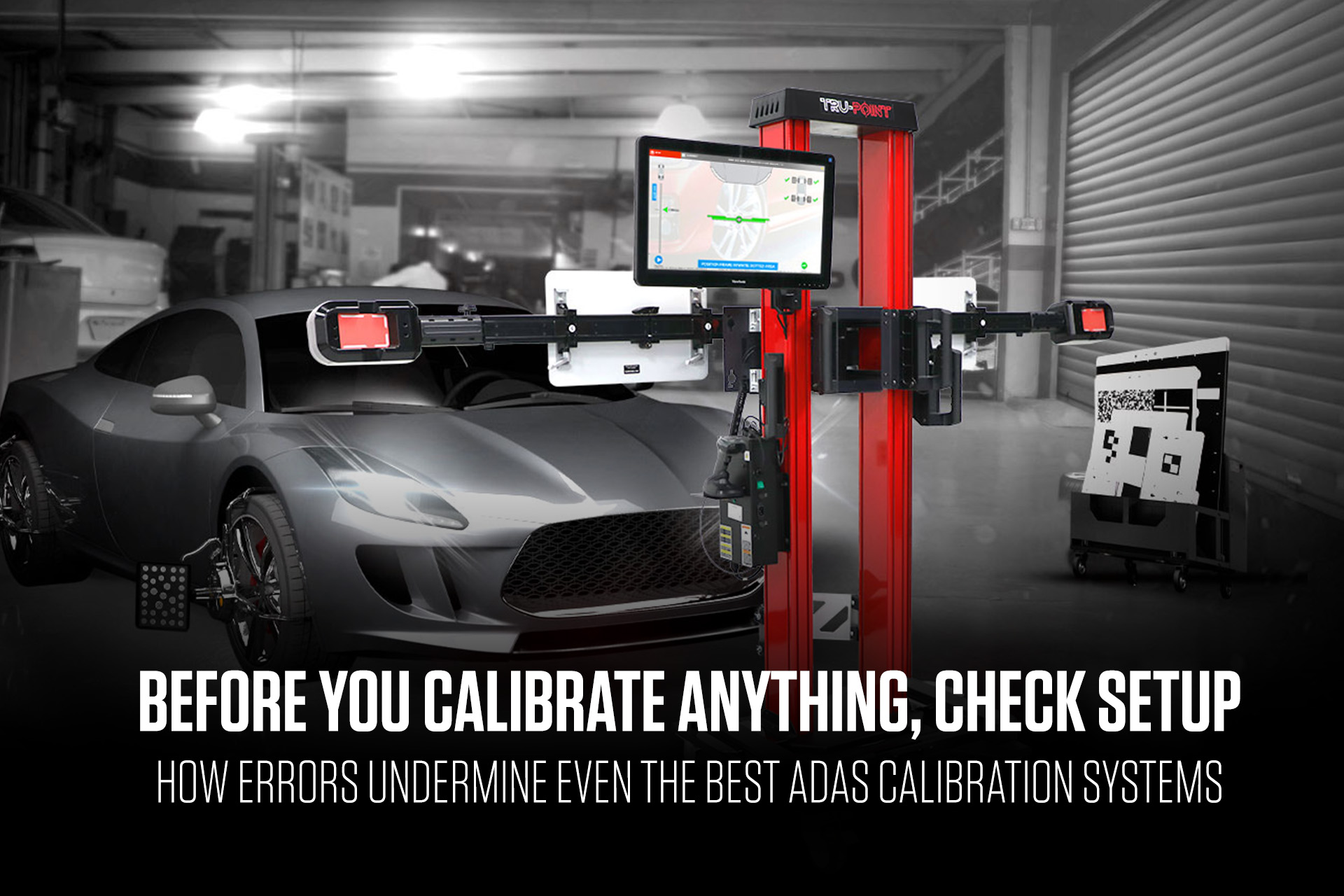
ADAS usually doesn’t get much attention when it’s working the way it should. It shows up when something feels off, in false alerts, unnecessary steering corrections, or braking when the driver didn’t ask for it. That’s when the vehicle comes back, and calibration questions land in the bay.
Advanced Driver Assistance Systems are doing exactly what they’re designed to do. Sensors and cameras feed data to a central computer that can influence steering or braking to help avoid a collision, often without driver input. When the data going in is right, the result feels seamless. When it isn’t, the behavior becomes noticeable.
ADAS is everywhere now, across nearly every vehicle segment. Calibration doesn’t only follow major collisions. Minor impacts, windshield replacement, suspension repair, and wheel alignment can all require it. These are common service tickets, and they often come with ADAS calibration for one simple reason: for ADAS to function properly, wheel alignment and ADAS sensors must be calibrated to OEM specifications.
Calibration can finish — and still be wrong
Calibration doesn’t start with scan prompts. It starts with setup. If setup is off, a calibration can run to completion, and the vehicle can still leave the bay outside what the OEM procedure intended. That’s not a knock on the technician or the equipment. It reflects how sensitive these systems are.
Skipping the pre-calibration scan is one of the fastest ways things go awry. Stored Diagnostic Trouble Codes (DTCs) may be present. Communication faults or underlying issues can go unnoticed. The calibration may still complete successfully, even though the vehicle leaves the bay operating outside OEM specification.
ADAS calibration must follow strict OEM procedures. When steps are skipped or software isn’t current, accuracy can drift without triggering an obvious failure.
Documentation plays a role here, too. Incomplete documentation doesn’t change what happened during calibration, but it does change what can be confirmed later. Without scan results, setup verification, and validation reports, proving the job or defending the work becomes more difficult.
Small setup misses add up fast
When an ADAS system is off, drivers don’t describe the problem in millimeters or degrees. They describe behavior—alerts that don’t make sense, steering corrections that feel unnecessary, braking when it shouldn’t happen. That lands back on the shop.
Most setup errors aren’t dramatic. They’re small, and they stack up.
Common ones include:
- Skipping the pre-calibration scan or missing stored DTCs or underlying issues
- Placing calibration targets at incorrect distances, heights, or OEM-specified angles
- Using incorrect reference points when measuring target location
- Ignoring wheel alignment status before calibration begins
- Overlooking ride height after suspension repair or wheel alignment
- Environmental factors such as floor condition, lighting, and reflective surfaces
On paper, the list looks straightforward. In a busy shop, it reflects the reality of moving between jobs and still needing ADAS calibration to land exactly where the OEM says it should.
ADAS calibration starts with geometry
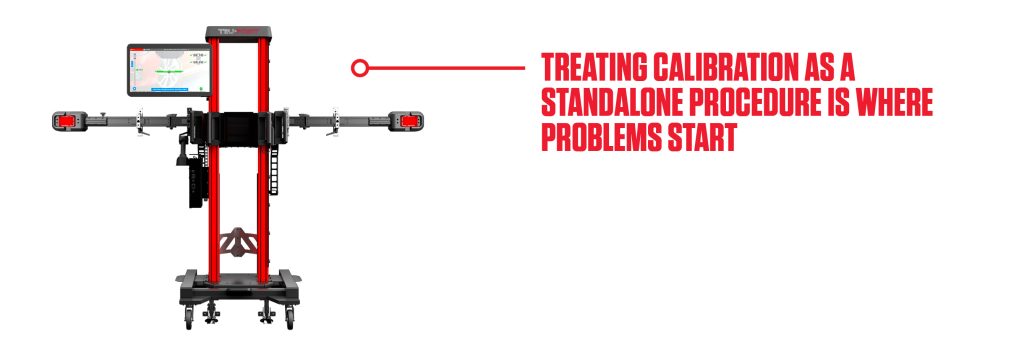
Wheel alignment and ADAS calibration are directly connected. Treating calibration as a standalone procedure is where problems start.
ADAS sensors reference vehicle geometry. If wheel alignment isn’t set to OEM specifications, that reference is compromised before calibration begins. Sensors can over‑correct or under‑correct not because the calibration tool failed, but because the baseline was off.
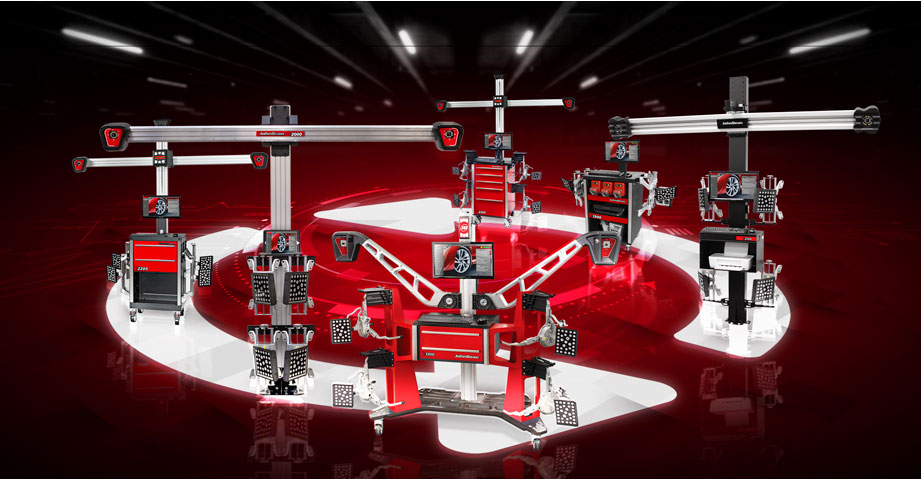
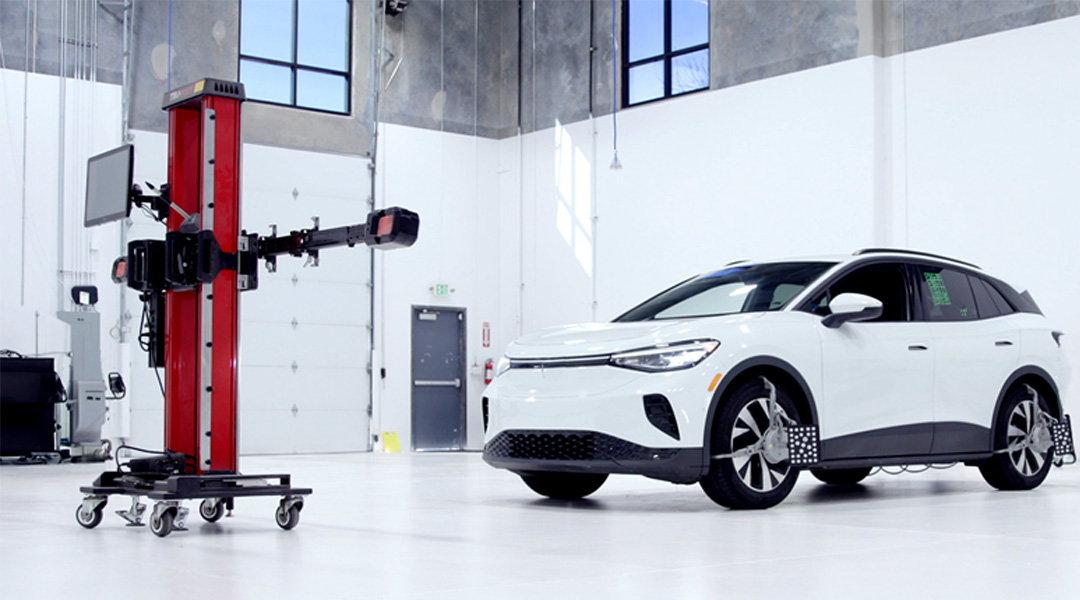
John Bean® ADAS calibration systems confirm wheel alignment meets OEM specifications required for calibration and validate key vehicle geometry and setup parameters, including alignment, target position, ride height, and sensor reference points. That isn’t an extra process. It’s the foundation calibration depends on.
The environment matters more than most shops think
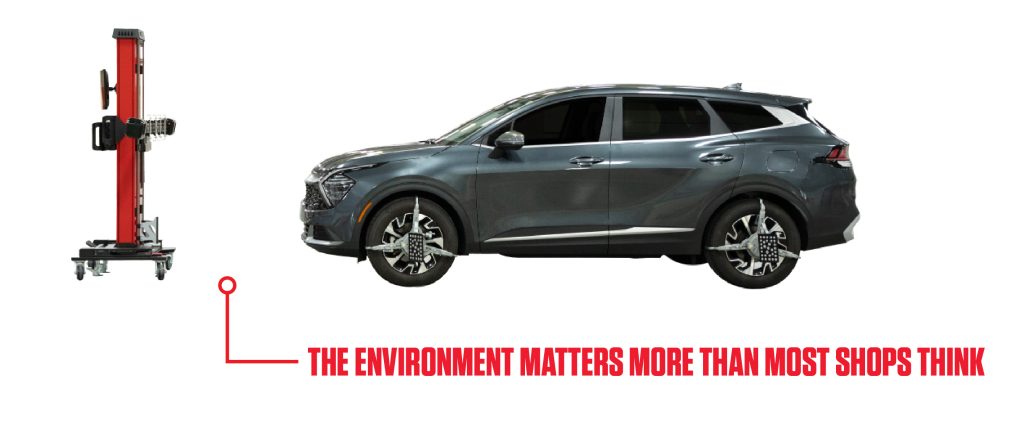
Even when the vehicle and procedure are correct, the surrounding environment can still influence accuracy. Uneven floors, inconsistent lighting, and reflective surfaces are common realities, especially in shared bays or flexible workspaces.
That’s why the setup process has to account for more than just the vehicle. Tru-Point™ is designed to maintain OEM-specified target positioning under real-world conditions by accounting for vehicle orientation and installation factors, supporting accurate setup even when the floor isn’t perfectly level. The system can accommodate combined variances of up to four degrees, helping ensure the job is performed correctly when ideal conditions aren’t available.
Guided setup helps protect accuracy
ADAS calibration systems are designed to streamline complicated procedures, but setup is still where outcomes are won or lost. Tru-Point™ removes guesswork from manual measurements with visual feedback and color-coded placement from red to green. It supports automated alignment verification using camera technology and provides clear proof of calibration.
CHECK. PLACE. CALIBRATE. PROVE.
That sequence reflects how consistent results are achieved in the bay. Each step builds on the one before it, creating a repeatable, documented process that supports accuracy and confidence.
Setup discipline protects accuracy and revenue
ADAS calibration shows up after more repairs, including windshield replacement, suspension work, and wheel alignment. As ADAS becomes standard across more vehicles, demand doesn’t slow down.
Keeping ADAS calibration in-house helps capture service revenue and supports a better customer experience. Shops that treat setup as part of the calibration job—not a step to rush through—produce results that are easier to trust, easier to defend, and aligned with OEM intent.
 EV Wheel Service: What’s Different and How to Prepare Your Bay
  Vehicle Stopping Distance: Why Technology Reacts Faster Than You Do and Why Calibration Keeps It That Way
 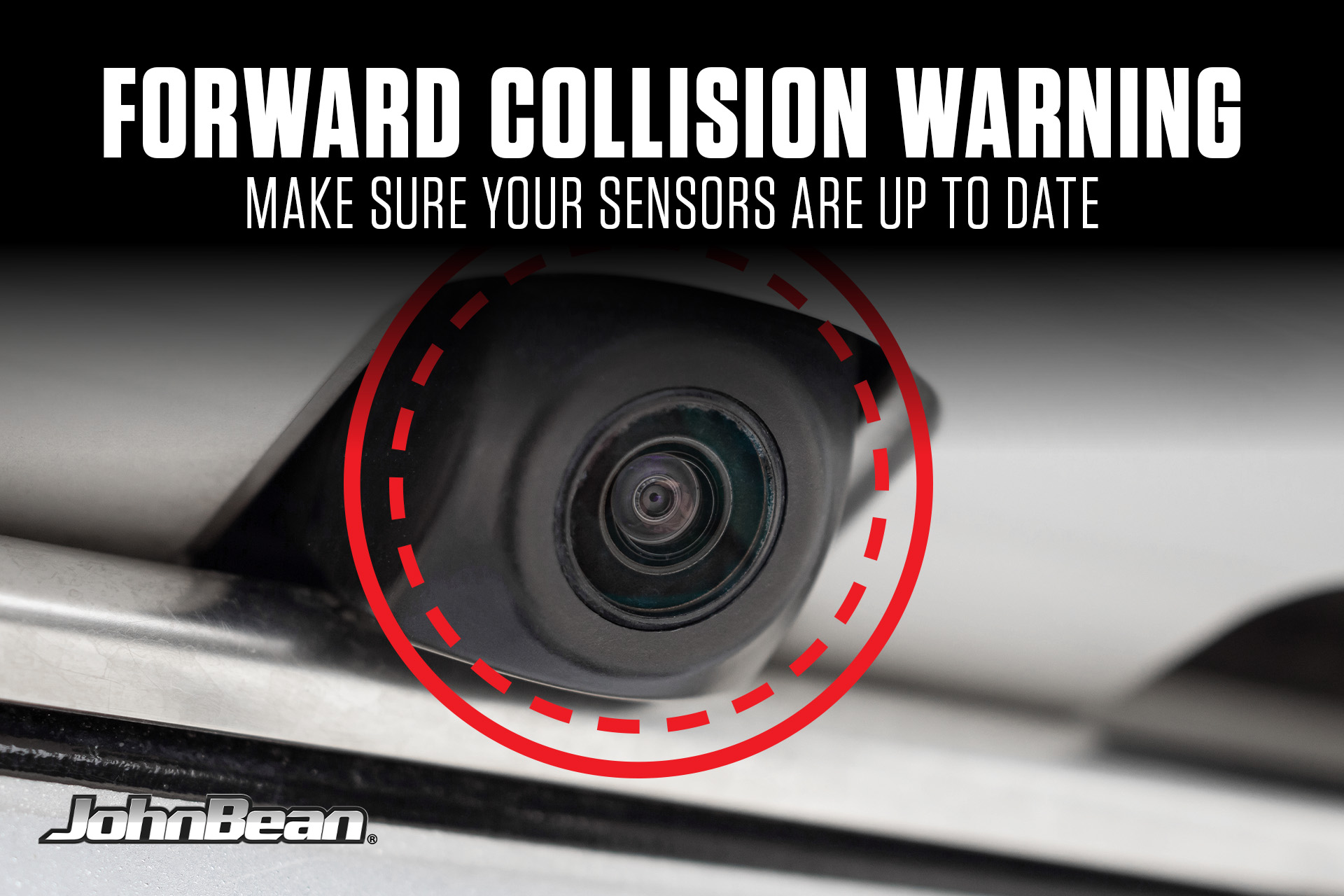 Hyundai Recall 302: FCA Software Update for Tucson and Santa Cruz
 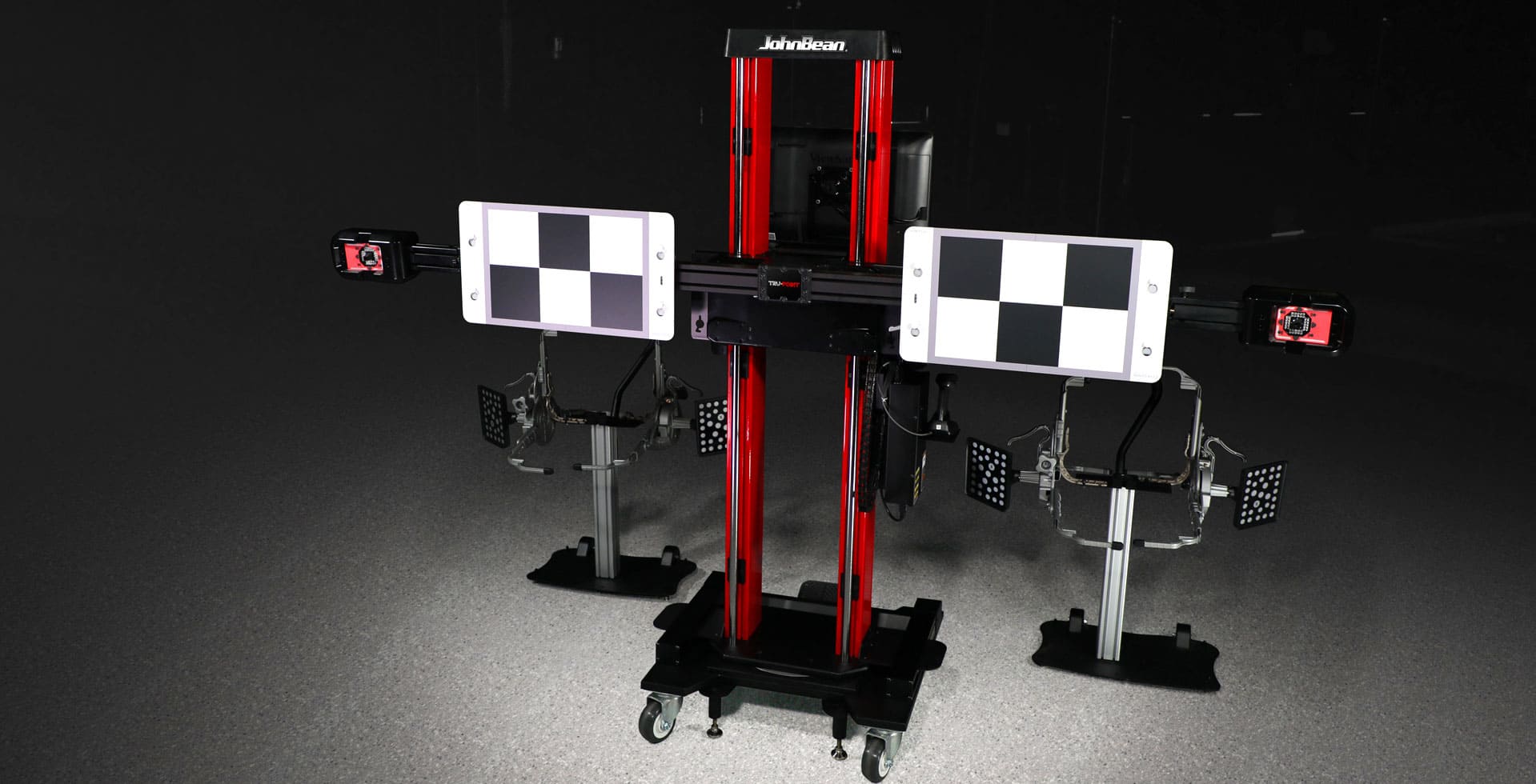 How to Choose the Right ADAS Calibration Targets for Your Business
 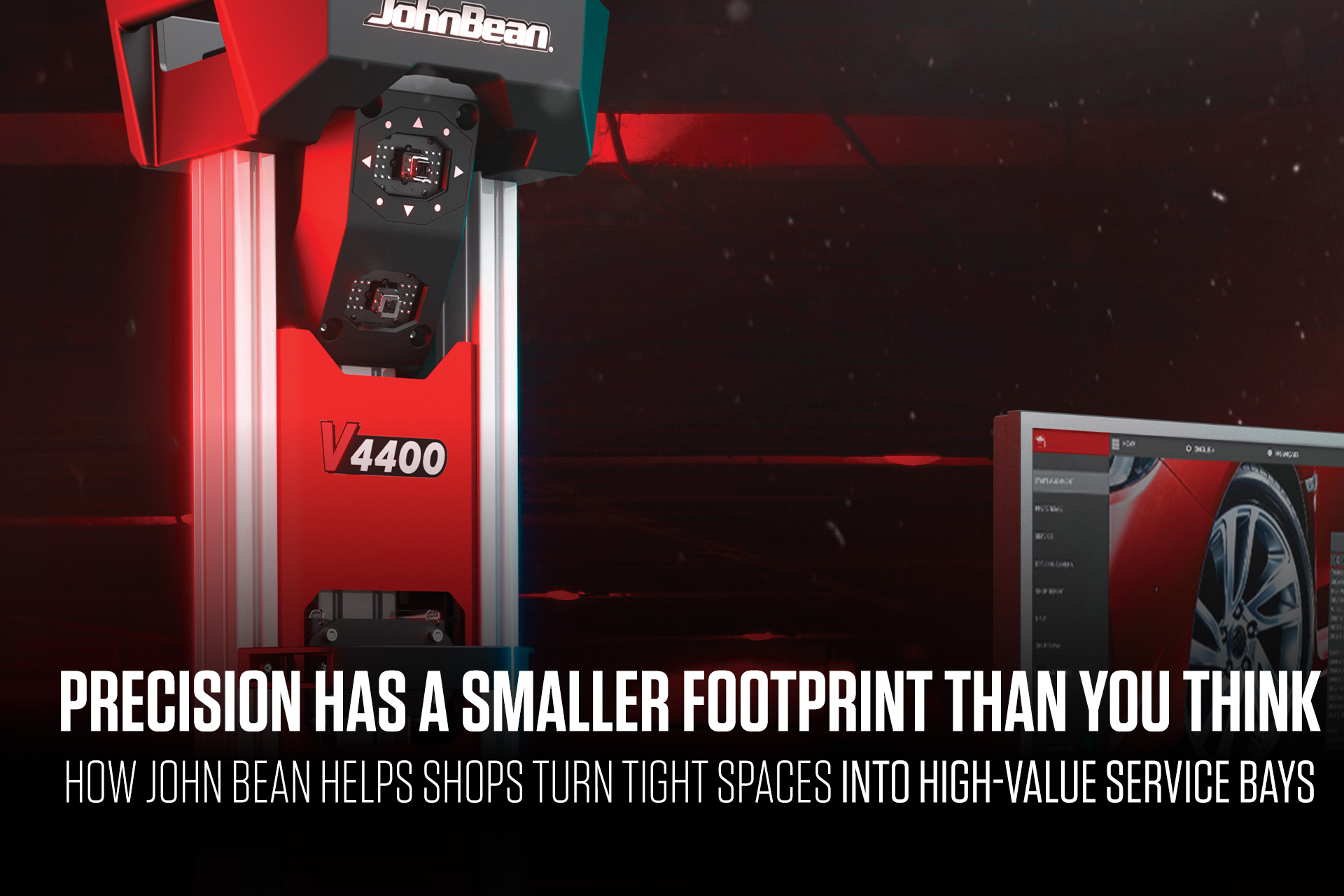 Precision Has a Smaller Footprint Than You Think How John Bean Helps Shops Turn Tight Spaces into High-Value Service Bays
 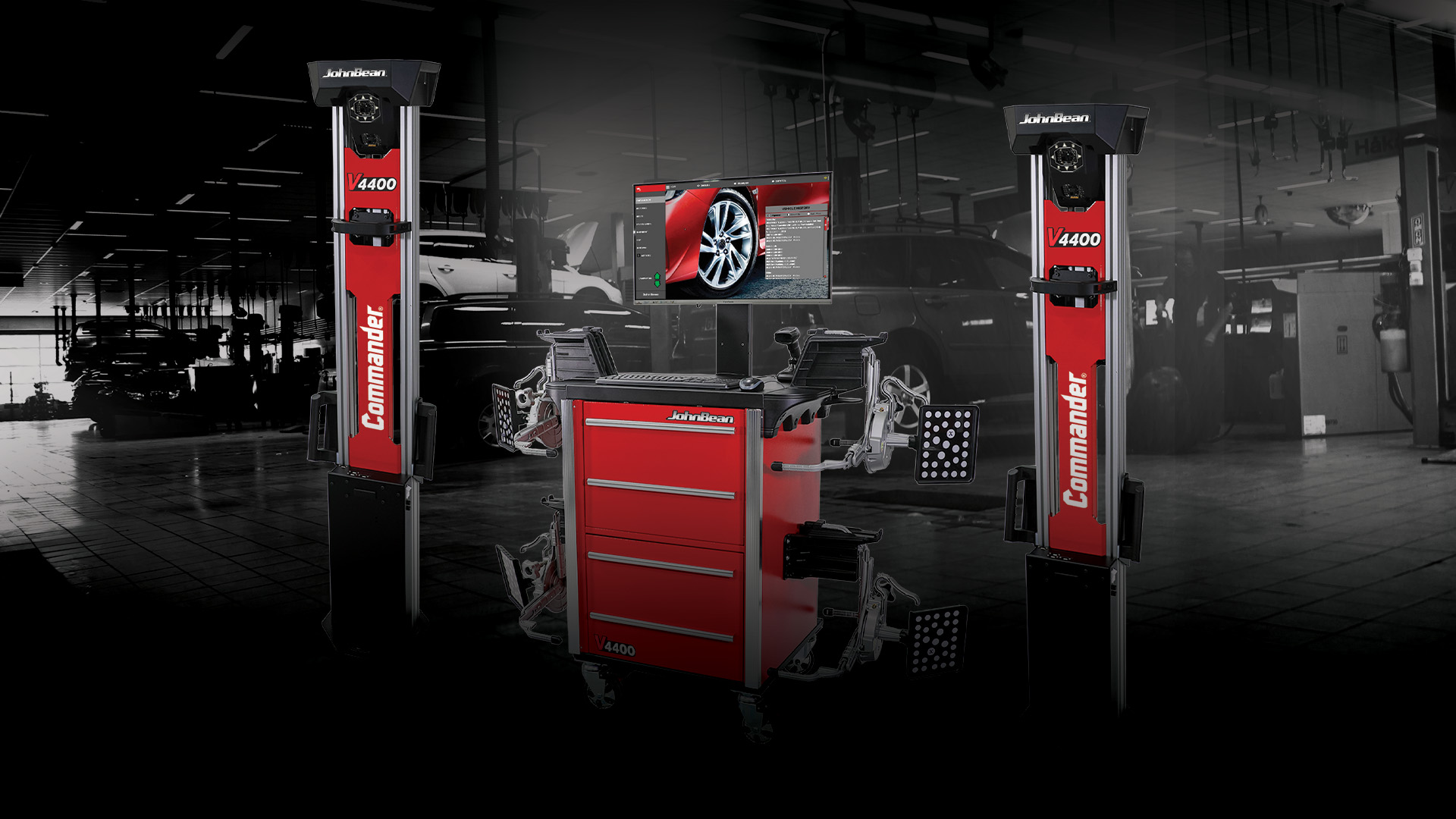 Next Generation Alignment: How the V4400 Commander™ Redefines Shop Efficiency
  How Modern Wheel Alignment Machines Reduce Comebacks and Boost Shop Profitability
  How the Right Tire Changer Increases Shop Efficiency and Customer Throughput
  Why Combo ADAS and Alignment Machines Hurt Shop Productivity